How to Replace Your PDF Menu with an Interactive QR Menu
•Jaicome Team
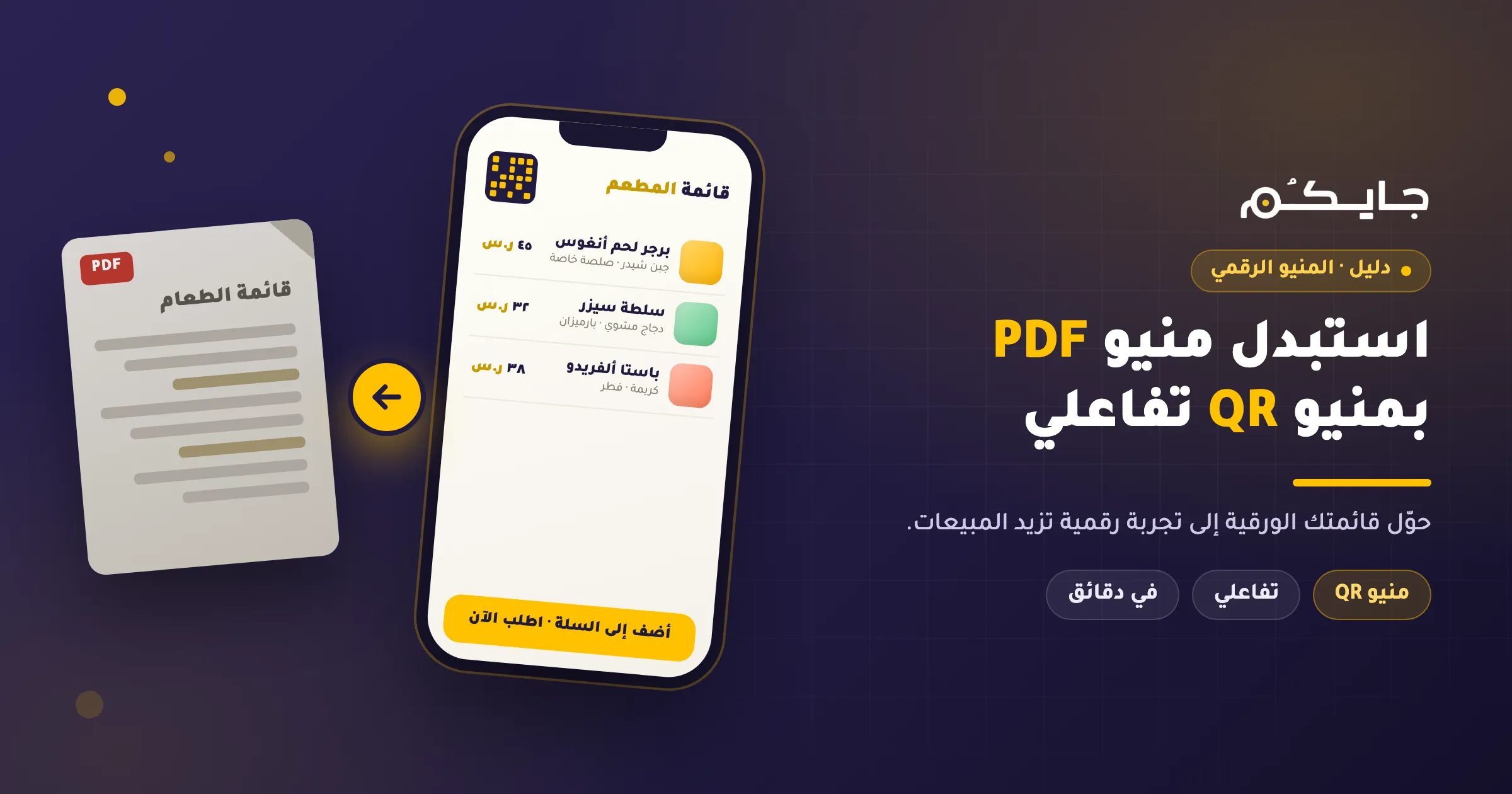
Key Takeaways:
- PDF menus are hard to read on mobile and lack interactivity.
- Interactive menus allow for direct ordering and easy updates.
- Switching to Jaicome is a simple process that boosts sales.
The Problem with PDF Menus
In the digital age, customers expect convenience. A PDF menu forces them to pinch and zoom, which is a poor user experience. Moreover, you cannot track what your customers are interested in, nor can you prompt them to order more.
Why Switch to an Interactive Menu?
An interactive menu, like the one offered by Jaicome, transforms the dining experience. It allows customers to:
- Browse categories easily.
- View high-quality images.
- Customize their orders.
- Place orders directly to the kitchen or via WhatsApp.
Steps to Replace Your PDF Menu
- Sign up for Jaicome: Create an account on the platform.
- Upload Your Menu: Add your items, descriptions, and photos.
- Generate QR Code: Print your new QR code and place it on tables.
- Go Live: Start accepting orders and tracking sales.
Conclusion
Don’t let a static PDF hold your restaurant back. Upgrade to an interactive menu today and see the difference in customer satisfaction and sales.