Phase Two of E-Invoicing: The Integration Guide to Keep Your Business Compliant
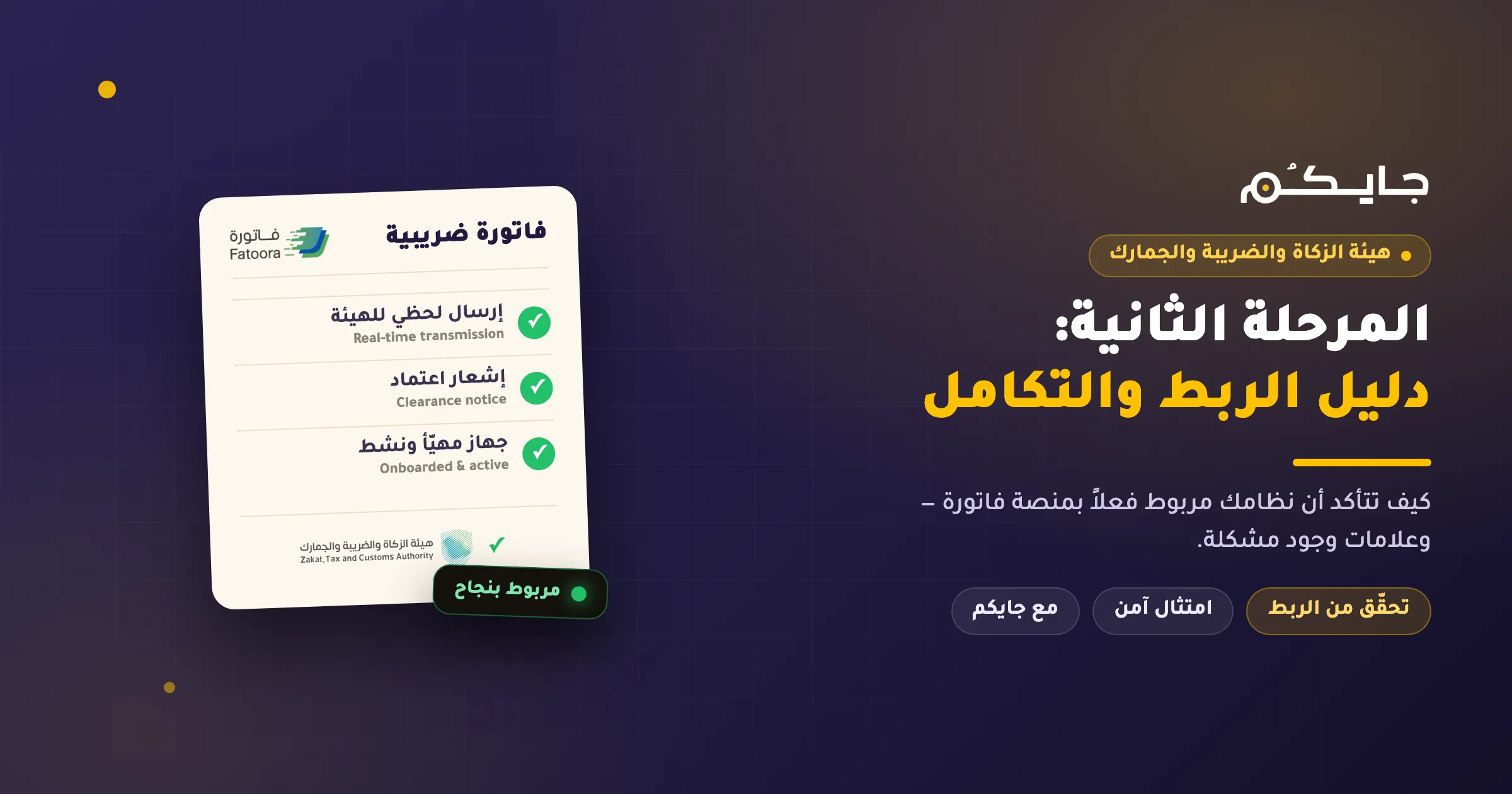
Key takeaways:
- Phase Two (Integration Phase) is no longer just about issuing invoices — it’s a direct, real-time connection between your system and the “Fatoora” platform run by the Zakat, Tax and Customs Authority (ZATCA).
- Having a cashier program doesn’t necessarily mean you’re technically linked — and a
QRcode alone is not proof of integration. - Verify your link through the ZATCA portal and a test invoice; if you find a problem, contact your e-invoicing provider immediately.
Phase Two of e-invoicing, known as the “Integration Phase,” is a major leap in the digital transformation of Saudi Arabia’s commercial sector. Compliance is no longer limited to issuing invoices electronically — it now requires a direct connection between your establishment’s invoicing system and the “Fatoora” platform of the Zakat, Tax and Customs Authority.
If your establishment is required to join Phase Two, taking the right integration steps is the fundamental safeguard against penalties and the guarantee that your business keeps running without interruption.
What sets Phase Two apart from Phase One?
In Phase One (the Generation Phase), you were required to issue and store invoices electronically with a QR Code. In Phase Two (Integration Phase), the requirements are:
- Real-time data sharing: sending invoices to the “Fatoora” platform the moment they’re issued (for tax invoices) or within the specified window (for simplified tax invoices).
- Technical integration: your technical system must talk directly to the ZATCA platform via APIs to ensure the validity of the exchanged data.
- Digital clearance: obtaining ZATCA’s approval of invoices before sharing them with the customer (in certain cases).
How do you confirm your system is correctly linked?
Having a cashier program doesn’t necessarily mean you’re technically linked to ZATCA. Confirm the integrity of your link through the following steps:
1. Log in to the ZATCA portal
Access the e-invoicing platform via the official link (fatoora.zatca.gov.sa) and verify your establishment’s details.
2. Check the device status (Onboarding Status)
Check the “invoicing units” or “registered devices” list. The device you issue invoices from should appear as “Active” or “Onboarded.” If the device is missing or shows as “Not onboarded,” you’re not actually linked.
3. Test a transmission
Issue a test invoice from your system and confirm it reaches the platform. A correctly linked system sends the invoice to ZATCA automatically and receives an “acceptance notice” or “clearance notice” without any manual intervention from you.
4. Verify the QR code
Always remember: a QR code is not proof of technical integration. The code represents the formatting of the data inside the invoice, whereas integration is a real data exchange with ZATCA’s servers.
Warning signs of an integration problem
If you encounter any of the following situations, you should contact your technical service provider immediately:
- Invoices are issued from the system but don’t appear in the records of the “Fatoora” e-invoicing platform.
- Error messages appear when you try to send an invoice from the cashier.
- The system doesn’t alert you when an invoice is rejected by ZATCA.
- You changed the cashier’s computer or tablet without redoing the registration and integration process (
CSR/CSID).
What’s the next step if you discover the link isn’t complete?
If you find that your system isn’t linked, don’t wait. The solution isn’t to try to fix the settings manually if you’re not technical — it’s to contact your e-invoicing provider. The integration process requires generating digital certificates (CSR) and binding them to the platform, a purely technical operation that your system should manage intelligently and smoothly.
Jaicome: your technical partner for safe tax compliance
Jaicome understands that running a restaurant or café demands your full focus on quality and service, so we made tax integration part of the smoothness of our daily operation. We don’t just provide a cashier system — we provide an integrated platform that keeps you on the safe side of tax compliance.
Why choose Jaicome for Phase Two tax integration?
- Automated technical integration: our system links your devices to the ZATCA platform automatically, reducing the likelihood of human error.
- Support for tax and simplified invoices: we handle every invoice type in line with ZATCA’s requirements with extreme precision.
- Easy user interface: a flexible cashier system any employee can use with ease.
- A specialized support team: we track legislative updates as they happen and continuously update our system to ensure compliance with any new ZATCA requirements.
- Smart solutions for restaurants: from table management to order linking, everything is designed to serve your business and organize your sales.
Don’t let tax compliance become an obstacle to your project’s growth. With Jaicome, you can manage your branches, monitor your sales, and comply with ZATCA’s requirements with full confidence.
Frequently asked questions
Does a QR code on the invoice mean I’m linked to Phase Two?
No. A QR code only represents the formatting of the data inside the invoice, and it’s been required since Phase One. Integration in Phase Two is an actual, real-time data exchange with ZATCA’s servers via APIs.
I changed my cashier device — does that affect the link?
Yes. Changing the cashier’s computer or tablet without redoing the registration and integration process (CSR/CSID) can leave your device effectively unlinked. Check the device status in the ZATCA portal after any change.
How do I know my invoice was cleared by ZATCA?
A correctly linked system sends the invoice automatically and receives an “acceptance notice” or “clearance notice” from ZATCA without manual intervention. The absence of this notice, or the appearance of error messages, is an indicator of an integration problem.
Do I need technical knowledge to manage the CSR and CSID files?
No. This is a purely technical operation that your invoicing system should handle on your behalf. With Jaicome, the digital certificates are generated and bound to the platform automatically, with no technical intervention from you.
Start with Jaicome today and get a technically compliant cashier system that gives you peace of mind. Explore the Jaicome app →
Disclaimer: This article is for informational purposes only and does not constitute tax or legal advice. We always recommend referring to the official Zakat, Tax and Customs Authority website or consulting a certified tax expert to confirm your own establishment’s compliance status.