Electronic Menu Design for Restaurants: The Ultimate Guide to Boosting Sales
Key Takeaways:
- Electronic menu design for restaurants goes beyond visuals; it’s about functionality and user experience.
- PDF menus are static and hurt mobile usability, whereas interactive menus drive sales.
- Jaicome offers a specialized platform for creating dynamic, sales-optimized QR menus.
- Essential steps include platform selection, high-quality imagery, and strategic categorization.
Why Electronic Menu Design for Restaurants Matters
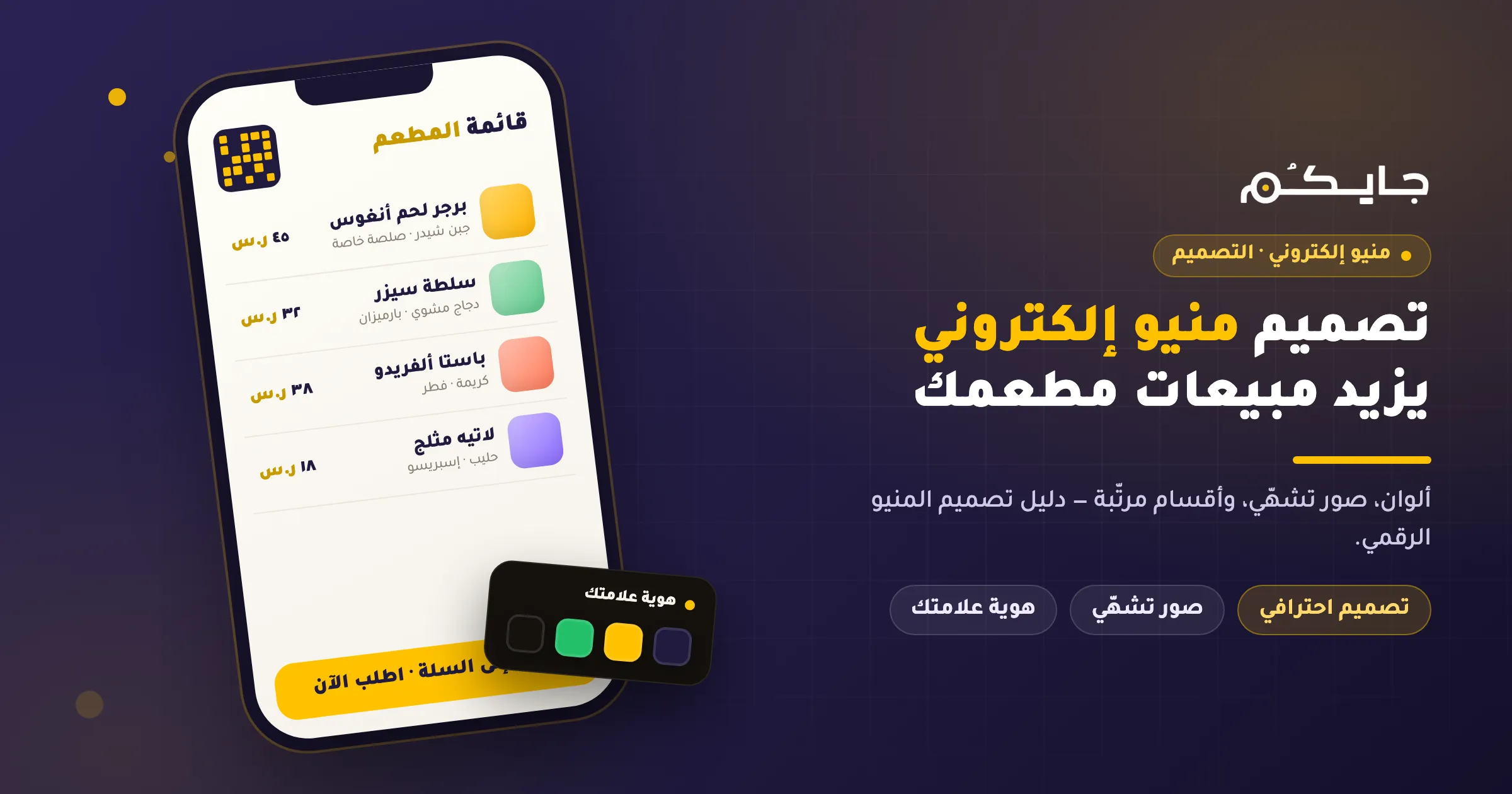
Effective electronic menu design for restaurants is no longer just a trend; it is a necessity for modern dining. In an era where convenience is king, customers expect a seamless, interactive experience the moment they scan a QR code. Unlike traditional paper menus or static PDFs, a well-designed digital menu by Jaicome actively works to increase your average order value and streamline operations.
Why PDF Menus Don’t Help Growth
Many restaurant owners mistakenly believe that uploading a PDF of their paper menu to a QR code is sufficient. However, this approach often hinders growth for several reasons:
- Poor Mobile Experience: Customers must pinch and zoom to read text, which is frustrating on small screens.
- No Interactivity: You cannot click to order, filter by dietary preferences, or see pop-up recommendations.
- Hard to Update: Changing a price or removing an out-of-stock item requires re-designing and re-uploading the file.
- Zero Analytics: You cannot track which items are viewed most or where customers drop off.
- Missed Sales Opportunities: PDFs cannot prompt users to “add cheese” or “make it a combo.”
What is an Electronic/Digital Menu?
An electronic menu (or digital menu) is a web-based interface accessible via smartphones, usually triggered by scanning a QR code. Unlike a static image, it is an interactive webpage designed specifically for mobile devices.
With platforms like Jaicome, the menu becomes a powerful sales tool where customers can browse categories, view high-quality photos, customize orders, and even place orders directly via WhatsApp or to the kitchen.
Core Steps to Design an Electronic Menu
Creating a high-converting menu requires a strategic approach. Here are the core steps to master electronic menu design for restaurants:
1. Choose the Right Platform
Avoid general graphic design tools for the final product. Instead, choose a specialized digital menu platform like Jaicome. While tools like Canva are great for designing social media posts, they produce static files. Jaicome creates dynamic, searchable, and order-ready menus.
2. Structure Your Categories
Organize your menu logically. Group items by “Starters,” “Main Courses,” “Drinks,” and “Desserts.” Keep the navigation simple so customers don’t feel overwhelmed.
3. Use High-Quality Photos
People eat with their eyes. Ensure every item has a professional, appetizing photo. In Jaicome, you can easily upload and manage images that load quickly on mobile devices.
4. Write Compelling Descriptions
Don’t just list ingredients. Describe the taste and texture. Mention if dishes are spicy, vegan, or gluten-free. Clear descriptions reduce questions for your staff and speed up ordering.
5. Set Up Modifiers and Upsells
This is where electronic menu design shines. Configure your menu to ask, “Would you like extra sauce?” or “Add a drink for $2?” automatically. This feature alone can significantly boost your revenue.
6. Generate Your QR Code
Once your menu is built on Jaicome, generate a unique QR code. You can customize the design to match your brand colors and logo.
7. Test and Train Staff
Before launching, test the menu on different phones. Ensure your staff knows how to guide customers to scan the QR code and use the Jaicome Electronic Menu.
Advanced Features That Increase Sales
A professional electronic menu design for restaurants offers more than just a list of food. It includes features that drive business growth:
- Smart Upselling: Automatically suggest sides or drinks based on the customer’s selection.
- Detailed Analytics: Understand what your customers love. Track views, clicks, and orders to optimize your menu engineering.
- WhatsApp Ordering: Jaicome integrates seamlessly with WhatsApp, allowing customers to send orders directly to your business number.
- Delivery and Pickup: Manage dine-in, pickup, and delivery orders from a single interface using Jaicome Online Ordering.
- Multi-language Support: Instantly translate your menu into Arabic, English, and other languages to welcome all guests.
Comparison: Canva vs. Menu Platforms vs. Jaicome
| Feature | Canva / Graphic Tools | Generic Menu Platforms | Jaicome |
|---|---|---|---|
| Primary Use | Visual Design | Basic Digital Display | Complete Restaurant Management |
| Format | PDF / Image (Static) | Webpage (Often Read-Only) | Interactive Web App |
| Ordering | No | Limited | Yes (WhatsApp, Table, KDS) |
| Updates | Manual Re-upload | Dashboard | Real-time Instant Updates |
| Analytics | None | Basic Views | Detailed Sales & Behavior Data |
| KDS Integration | No | Rare | Seamless with Jaicome KDS |
Jaicome stands out as the comprehensive solution that combines beautiful electronic menu design with powerful operational tools.
Frequently Asked Questions (FAQ)
1. What is electronic menu design for restaurants?
It is the process of creating a digital, interactive version of a restaurant’s menu, optimized for mobile devices and accessible via QR codes, to enhance customer experience and streamline ordering.
2. How do I create a QR code menu?
You can create one by signing up for a platform like Jaicome, inputting your menu items and photos, and using the platform’s tool to generate a printable QR code linked to your digital menu.
3. Is a PDF menu better than a digital menu?
No. PDF menus are difficult to read on phones and lack interactivity. Digital menus offer better readability, search functions, and direct ordering capabilities.
4. Can I use Canva for my restaurant menu?
You can use Canva to design printed menus or social media graphics, but for a functional QR menu, a specialized platform like Jaicome is superior for updates and ordering.
5. Does an electronic menu increase sales?
Yes. By using high-quality photos, automated upselling prompts, and a smooth user interface, electronic menus can increase the average order value by 15-30%.
6. How much does it cost to design an electronic menu?
Costs vary. Some platforms charge a monthly fee, while others take a commission. Jaicome offers competitive pricing plans tailored to restaurant needs.
7. Do customers need to download an app?
No. With Jaicome, customers simply scan the QR code with their phone camera, and the menu opens instantly in their web browser.
8. How do I update prices on my electronic menu?
With Jaicome, you log into your dashboard, edit the price, and save. The changes appear instantly on the customer’s phone without needing to reprint QR codes.
Conclusion
Investing in professional electronic menu design for restaurants is a critical step towards modernizing your business. Moving away from static PDFs to a dynamic, interactive platform like Jaicome not only improves the customer experience but also provides you with the tools to manage orders and analyze data effectively.
Ready to transform your menu? Start designing your interactive menu with Jaicome today and watch your sales grow.